

Type less.Speak more.
Just speak. Twik understands what you mean and turns it into clean, polished text - ready to send anywhere.
Available forDownload the app
 Play Store
 App Store
Coming soon on macOS

You think faster
than you type
The difference
4x faster than typing
Same thought, same sentence. One of these you finish.
Typing it
45 wpm
Hey, sorry for the slow reply - are the files from this morning going to be ready by tomorrow, or should I
Thumbs, typos, and the thought half gone by the time you finish.
Speaking it
4x faster
You said
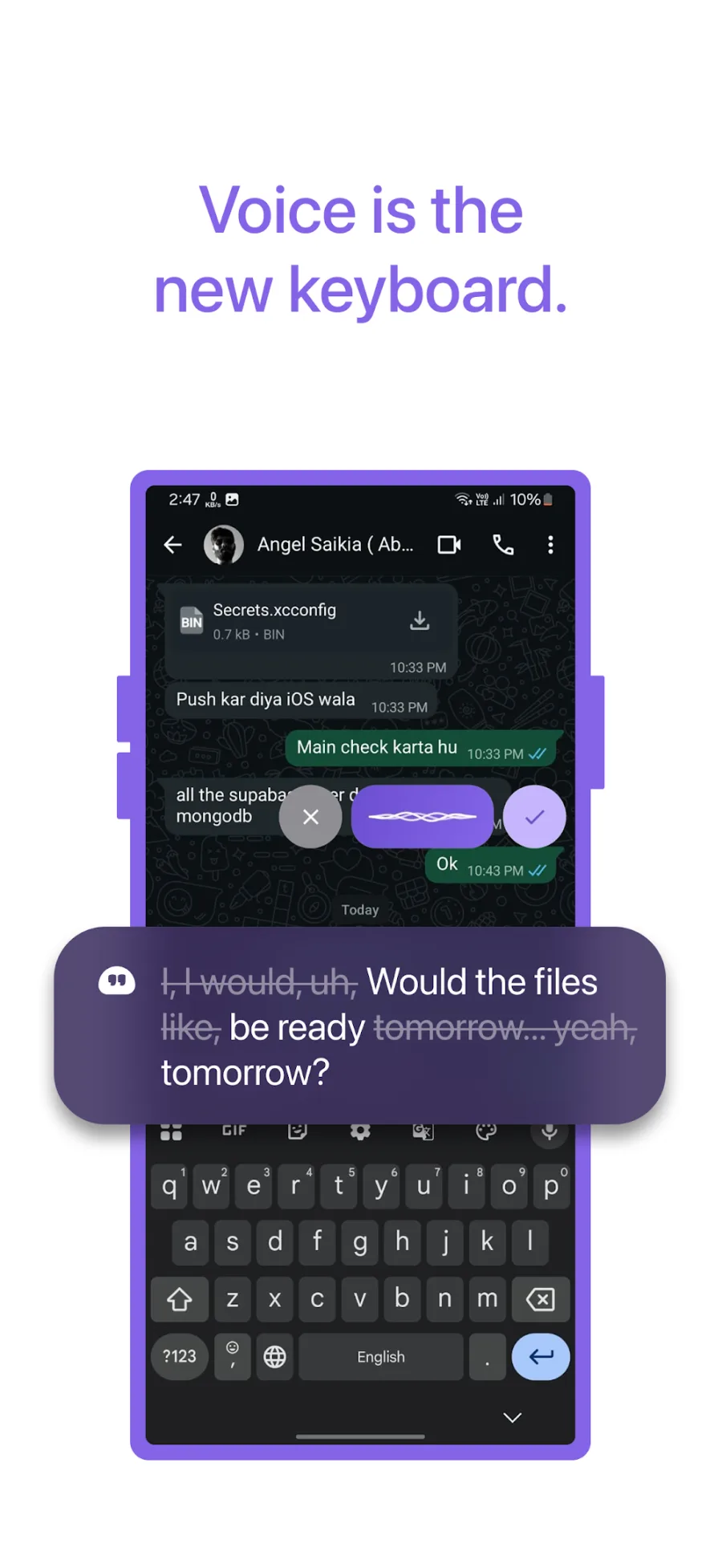
I, I would, uh, Would the files like, be ready tomorrow… yeah, tomorrow?
Twik sent
Would the files be ready tomorrow?
Filler words out, punctuation in, tone matched - before it reaches the field.
“4x faster than typing” is Twik’s own published store claim. 45 wpm is the widely cited average phone typing speed.
Works everywhere
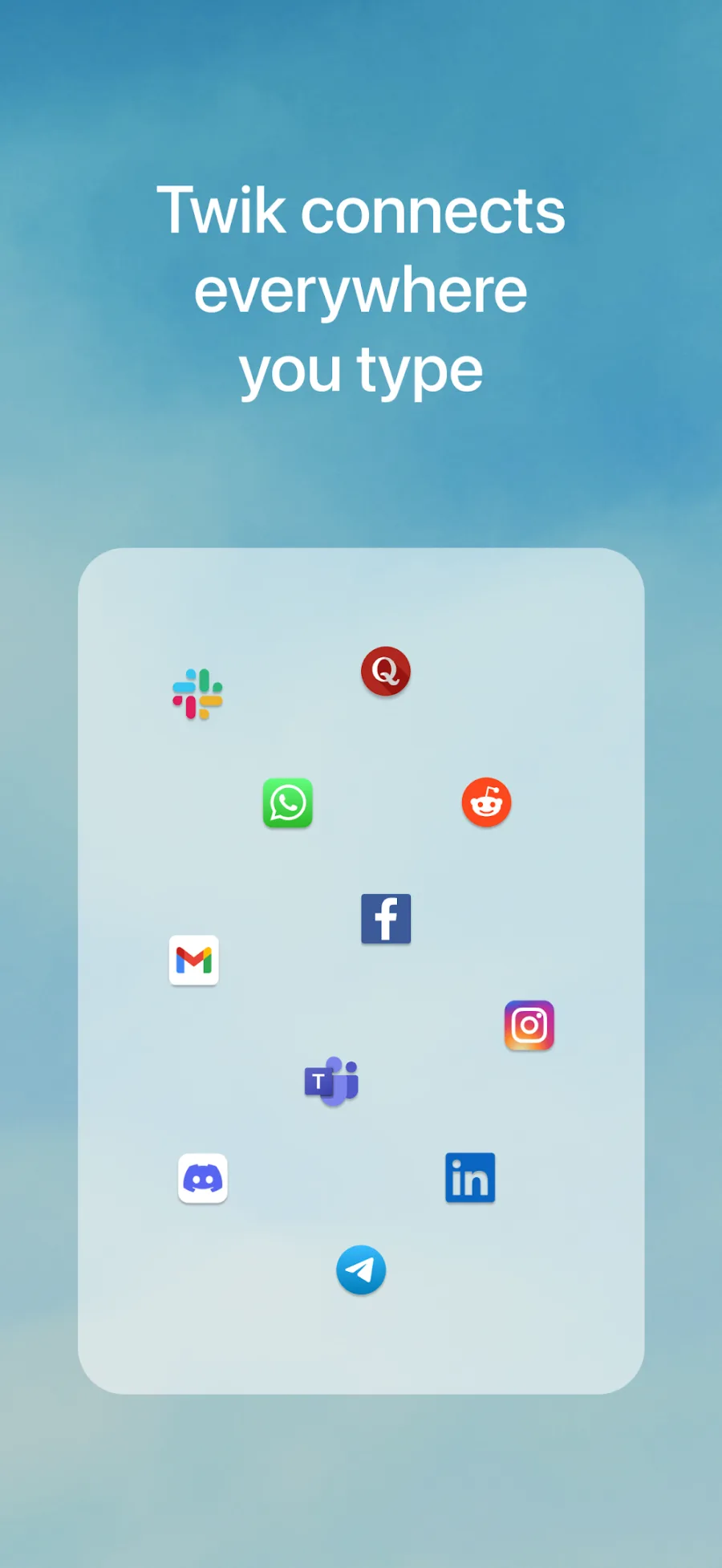
It lives inside the apps you already use.
There is nothing to copy and paste between. Tap into any text field, tap the mic, and your words land in the app you were already in.
- +more
…and anywhere else you type. Twik works with the keyboard you already have.
How it works
Three taps. No typing.
Speak at your normal pace. Twik handles the rest before the text ever reaches the field.
Open any app
WhatsApp, Gmail, Instagram, Notes - anything with a text field.
Tap the mic and speak
Talk the way you normally talk. No need to slow down or dictate punctuation.
Send clean, finished text
Filler words removed, punctuation added, tone matched. No typos to fix.
Most dictation writes down every word exactly as you said it - the pauses, the restarts, the mistakes. Twik understands what you meant and writes that instead.
Features
Everything it fixes before you hit send.
Speak roughly. What lands in the text field is finished.
Works everywhere you type
Twik is available in every app on your phone, so there is nothing to copy and paste between.
Removes the ums and false starts
The "um", the "uh", the sentence you started over. Twik takes those out on its own.
Punctuates for you
Full stops, commas and line breaks are added where they belong.
Matches the tone of where you are
A message to a friend reads casual. An email reads professional.
Switch languages mid-sentence
Start in one language and finish in another. Twik follows along.
Follows your corrections
Change your mind halfway through and Twik keeps the version you settled on.
Fixes small grammatical mistakes
The slips that creep in when you speak quickly get tidied before you send.
Keeps your existing keyboard
Twik sits on top of whatever keyboard you already use.
Multilingual
Break the language barrier.
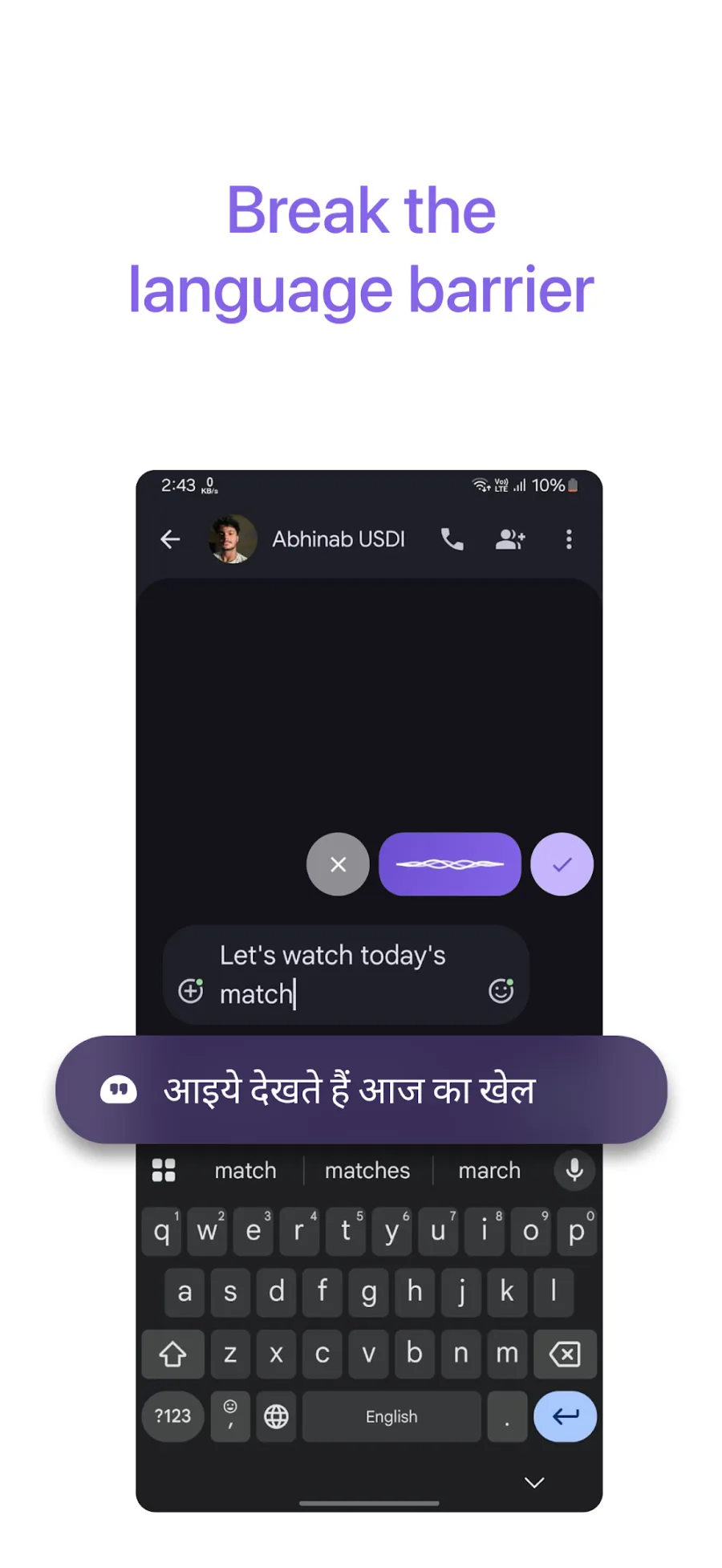
Millions of people do not think in only one language. They start a sentence in one and finish it in another.
Most voice apps force you to pick a single language and stay in it. Twik does not. Switch mid-sentence and it keeps up, so you are never changing keyboards or repeating yourself - especially useful if you are typing in a language you speak better than you spell.
Coming soon
And soon, on your Mac.
The same voice keyboard, sitting above every Mac app - mail, docs, Slack, your editor. Speak, and finished text lands where your cursor already is.
- To
- sarah@company.com
- Subject
- Thursday’s numbers
Hi Sarah - following up on the deck. Could you send the Q3 numbers across before Thursday so I can fold them in?
Trusted worldwide
People are talking instead of typing.
500K+
downloads
24.5M+
words dictated
4.1M+
voice dictations
22
languages supported
Twik's own combined figures across iOS and Android, September 2026.
Translate mode is amazing. I simply spoke in my own native language & this app wrote in English very fast.
Ayush Aggarwal · July 2026 · Google Play Have used many of these in the past, but this is by far, the best!
aeriage · August 2026 · App Store Fast, accurately Banglish and everything work. Review is written by twik!
OR ID · August 2026 · Google Play This is one of the most important apps that I have on my phone rn. Helps me with day to day tasks.
Akshat Saraswat · August 2026 · App Store Very good and effective app, it saves my time
Aman Negi · July 2026 · Google Play Really loving Twik so far! 🔥 Makes typing so much easier, especially the voice-to-text. I can just speak naturally and it turns it into clean, ready-to-send text. Super useful for WhatsApp, LinkedIn, and basically everywhere. 🙌
Bloore Yatun · August 2026 · App Store This is a very cool app, if you try this app, your experience will be very good.🥰🥰
Vishal soni · August 2026 · Google Play Really handy app! The AI voice typing is fast, accurate, and makes texting so much easier. Definitely worth trying. 👍
Rjnandni · August 2026 · App Store great and effective app for daily use
Ankit · August 2026 · Google Play This is the best app in this category Bug free and causes no error been using this since last 2 weeks Works perfectly
Prajjwal.shahh · August 2026 · App Store Very helpful , i really need this application 🤟
Bikash_135 · August 2026 · App Store This app works really well. I was surprised by how well this app works. The voice typing is fast and accurate, and it saves me a lot of time. The interface is simple and easy to use. Overall, it’s a great app and i would definitely recommend it. Worth Downloading!
Amishaa Singh · July 2026 · App Store
Who uses Twik
For anyone the keyboard slows down.
- Students writing notes and assignments
- Professionals answering emails and messages
- Business owners handling customer messages all day
- Creators writing captions and scripts
- Anyone writing prompts for ChatGPT and other AI tools
- Anyone typing in a language they speak better than they spell
- People who find typing painful because of arthritis, RSI or hand injuries
- People with dyslexia, ADHD or a stutter who would rather speak
- Older users who find phone keyboards small and slow
Pricing
Free to start. Premium when you need it.
Prices below are the in-app purchase tiers on the App Store and Google Play.
Free
$0
always
Everything you need to try Twik properly.
Premium Monthly
$4.99
per month
Cancel any time from your app store account.
Premium 6 Months
Save 17%$24.99
every 6 months
Works out at $4.17 a month.
Premium Yearly
Best value$39.99
per year
Works out at $3.33 a month.
FAQ
Questions people ask.
What is Twik?
Twik is an AI voice keyboard. You speak, and Twik writes out clean, finished text inside whatever app you are already typing in - filler words removed, punctuation added, ready to send.
How is this different from the dictation already on my phone?
Built-in dictation transcribes every word exactly as you said it, including the pauses, the restarts and the mistakes. Twik understands what you meant and writes that instead, then matches the tone of the app you are writing in.
Which apps does Twik work in?
Any app with a text field. That includes WhatsApp, Gmail, Instagram, ChatGPT, Slack, Telegram, Microsoft Teams, Discord, LinkedIn and Notes.
Do I have to give up my current keyboard?
No. Twik sits on top of whatever keyboard you already use. On Android a small mic button appears above your keyboard when you tap into a text field; on iOS you switch to the Twik keyboard when you want it.
Can I speak more than one language?
Yes. You can start a sentence in one language and finish it in another, and Twik keeps up. You do not have to pick a single language and stay in it.
Why does the Android app need the Accessibility Service?
Android has no other way for an app to know when you have tapped into a text box in a different app, or to write text into it. Twik uses it for exactly that and nothing else.
Is Twik free?
Twik is free to download and use. Premium removes the limits and is available monthly, every six months, or yearly.
How do I cancel?
Subscriptions bought in the app are managed in your App Store or Google Play account and can be cancelled there at any time. Desktop plans bought on this site can be cancelled by writing to support.
Which devices are supported?
iOS 17 and later, and Android phones. A macOS version is in early access.

Your brain was never the slow part.
Free to download on iOS and Android.